Can five AI tools hold one object, in one style, through a camera move? Each tool is good on its own. The test comes when you hand one tool's output to the next.
Here is one run of that test. The goal was a transition for this site, built from a blender.
Locking the style first
I needed a reference sheet. Several angles of one blender, in the thin-line technical-manual style that matches my brand. I used Claude to shape the prompt, then generated the sheet in Seedance with Nano Banana handling the outline rendering. The sheet itself wasn't the goal. It was a rulebook to hold every later generation to.
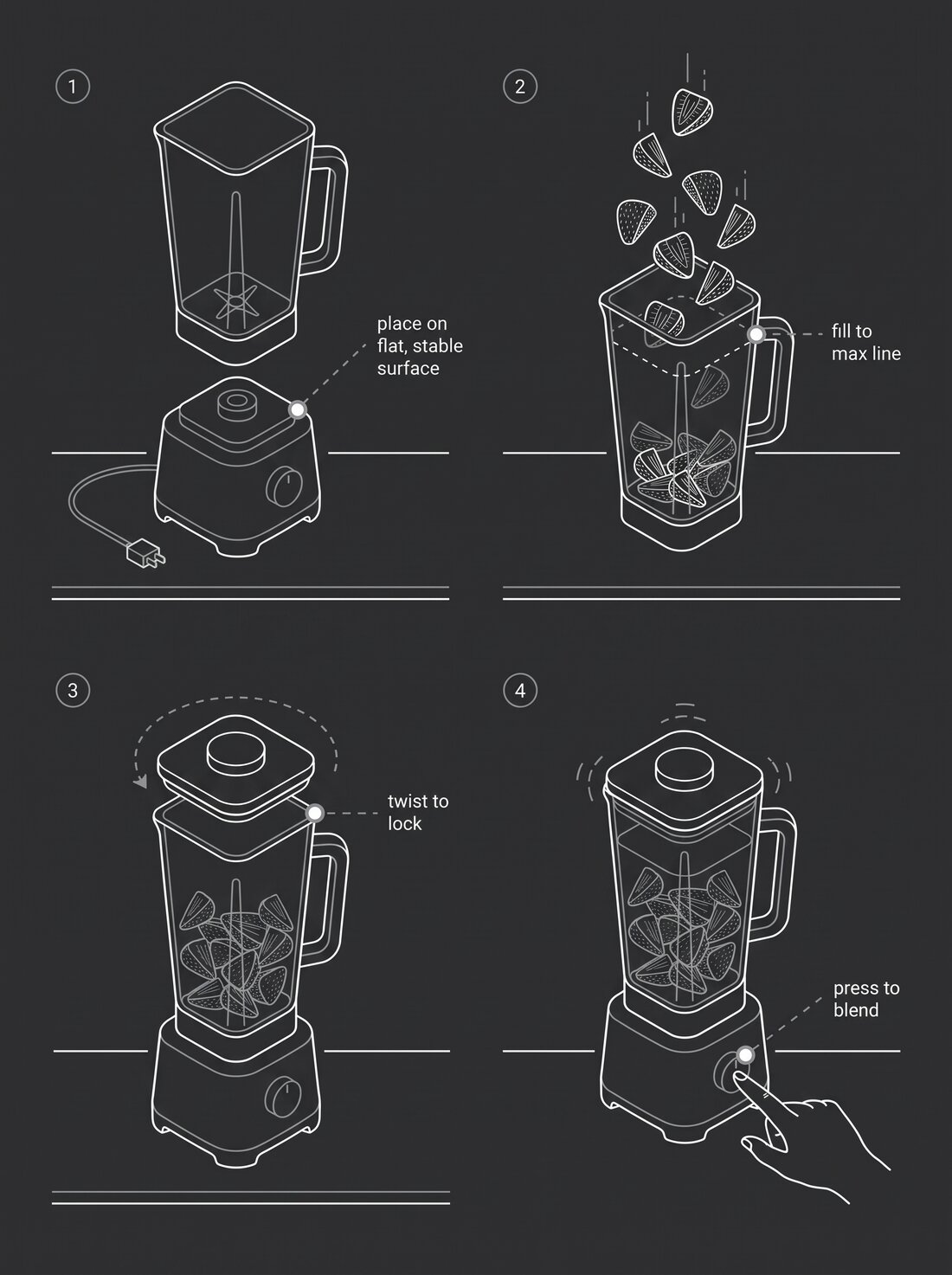
The reference sheet. Four angles, one style, the rules for everything after.
Isolating the one angle that worked
One angle had the composition I wanted. I cropped it and prompted Nano Banana to strip everything but the blender. Same line weight, same style, no background to fight later.
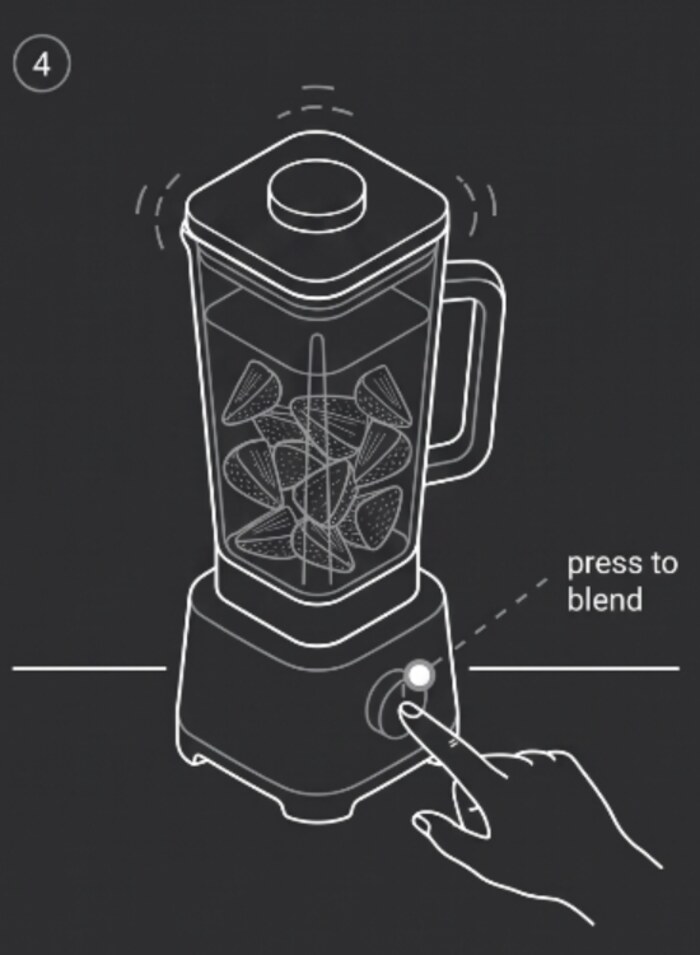
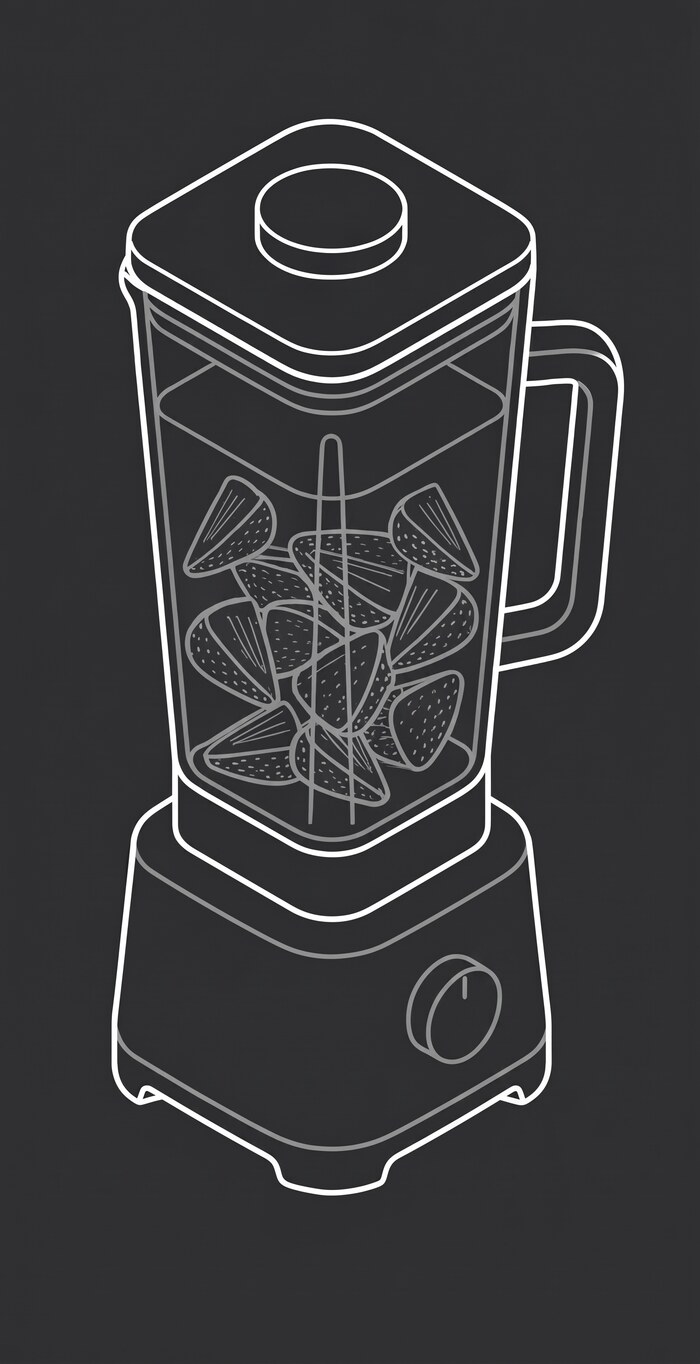
Cropped from the sheet, then isolated.
Where the AI broke
Next I asked for a new angle, a slight low tilt looking up at the blender, from that clean image. Nano Banana got the angle. It also gave me an X-ray. Line work bled through the body of the blender like it was glass.
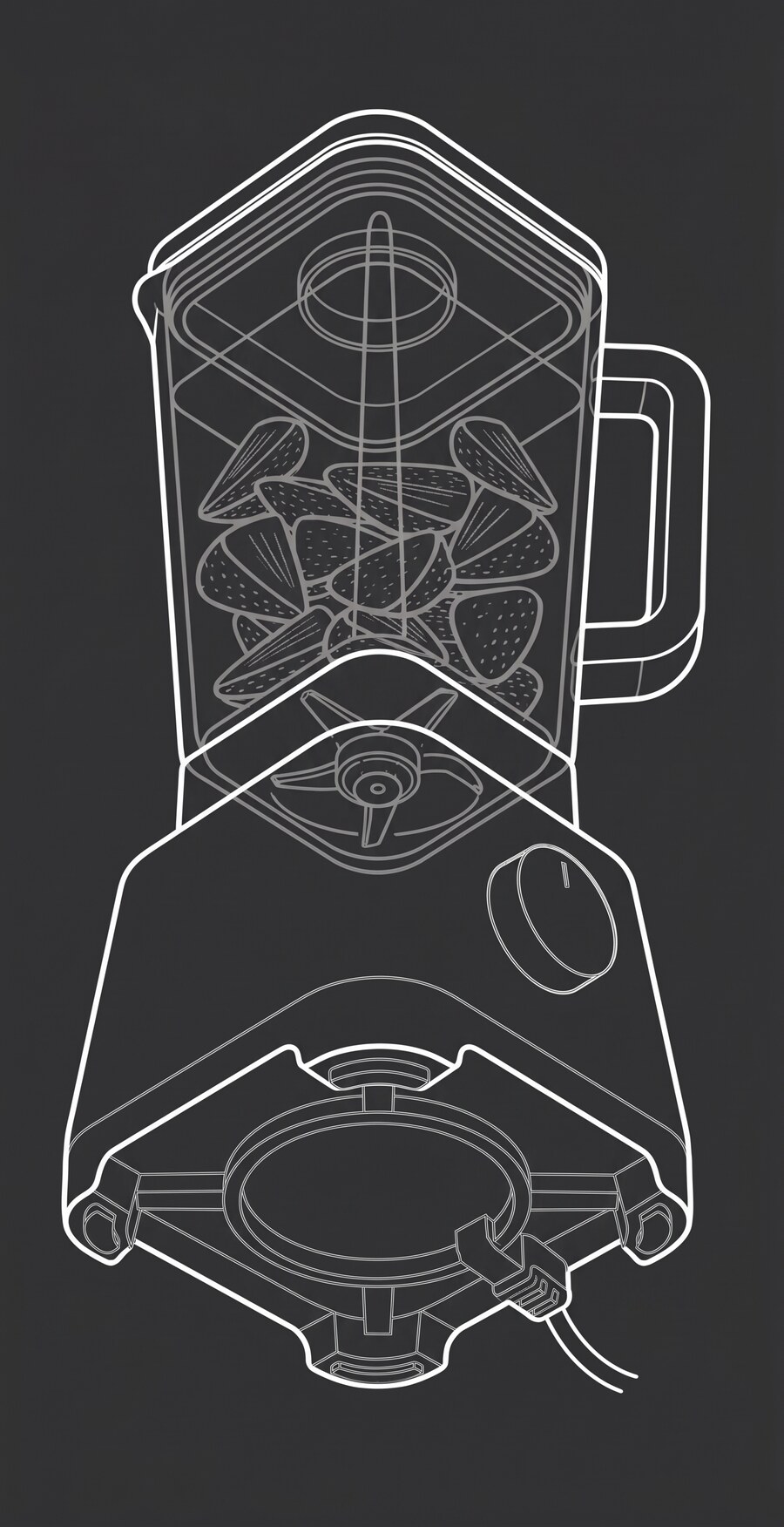
The angle is right. The X-ray bleed-through wasn't asked for.
What I did about it: nothing, on purpose
I didn't fix it. In Illustrator, I built both images into matched 16:9 start and end frames, X-ray and all. This piece was a test of whether the chain held together. The flaw didn't matter enough to stop. On client work, it would. What needs fixing depends on what the output is for.
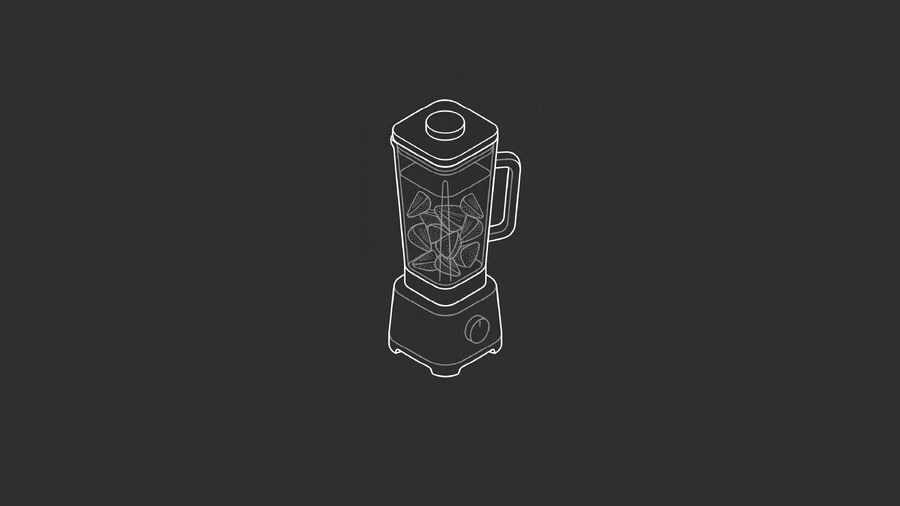
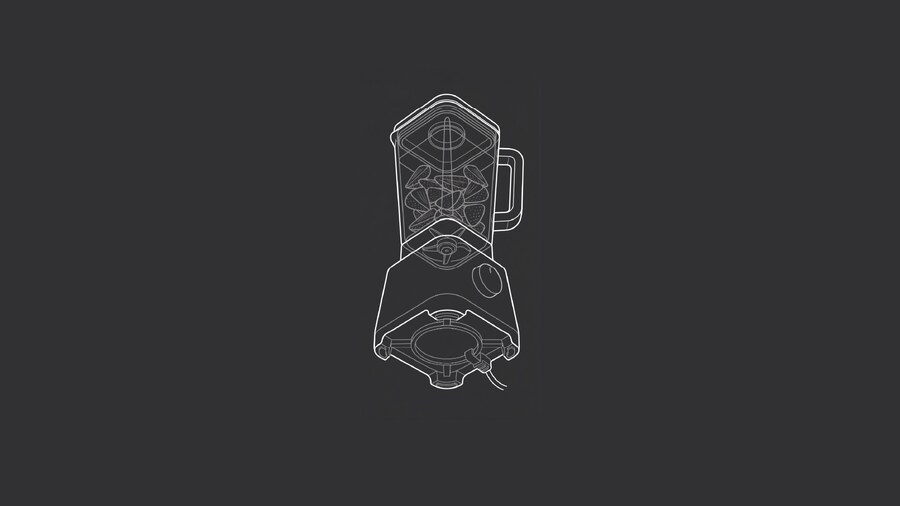
Start frame, end frame, shipped with the artifact still in it.
Letting AI finish the shot
I fed both frames into Seedance 2.0 and prompted a dynamic camera tilt and reposition. Start on frame one, land on frame two. A full camera move from two stills.
Hover to play. Generated from the two frames above, no manual animation.
On my own site, I shipped the flaw. On a client's, I'd have fixed it.
Time and money
The whole chain took about two hours. Style research, reference sheet, isolated angle, alternate angle, frames, final video. My normal process, pulling a blender model into 3D, animating the camera, and rendering a matching blueprint outline, takes roughly two hours on its own. A real win on time. Partly luck too, since this was a forgiving test.
Generation cost $5 to $8 total. My normal tools run on a subscription I pay either way, so the real competitor was my own time.
What this test skipped
Nothing here needed a specific blender. Any blender in the right style would do. A real brief wants their exact model, their geometry, their reference photo. That could eat the time savings whole. I don't know yet if the chain survives that. It's the next test.
A flaw is safe to ship when the person carrying the risk has agreed to it. On my site, that was me.
Know what a tool, a vendor, or a workflow can carry before you bet a deliverable on it. See how that shows up in an engagement →